Webinar Software: What It Is, What It Should Do and Who It's For
By Ian Naylor ·
Drafted with AI assistance, then fact-checked and edited by Ian Naylor before publishing.
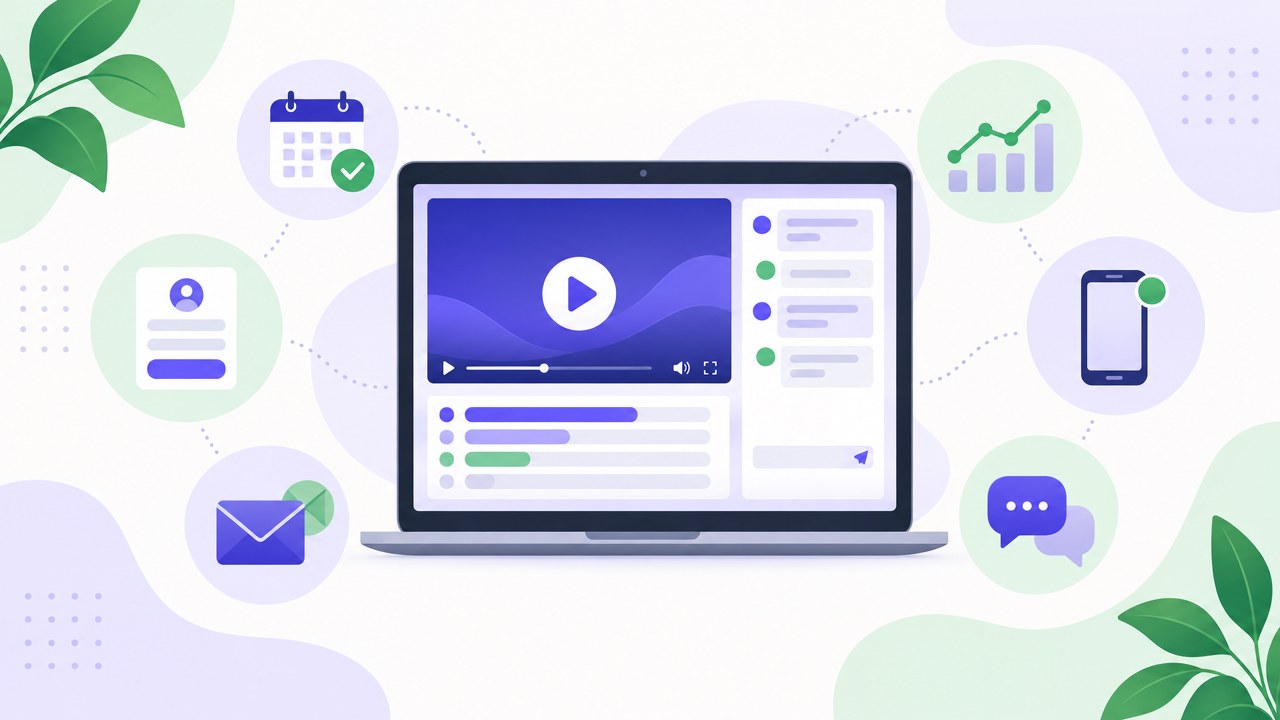
Webinar software is a tool for presenting to an audience online: it handles sign-ups, reminders, the viewing room, audience interaction such as chat, Q&A and polls, and the follow-up data afterwards. Unlike a video call, it is built for one-to-many sessions, where a host presents and attendees watch and take part without everyone being on camera. Some platforms only run live sessions, some replay a recording on a schedule (automated or evergreen webinars), and the newest add AI that answers attendee questions while the session runs.
If you're weighing up whether you need it at all, the short version is this: if you present the same thing to more than a handful of people, more than once, and you want to know who turned up and what they asked, webinar software earns its keep. If you mostly talk to one or two people at a time, a video call tool is usually enough.
This guide covers what webinar software is, how it differs from video conferencing, the main types, the features that matter, and who it suits. If you've already decided you need a platform and want to compare specific ones, our 42-point buyer's checklist and platform comparison go deeper.
What is webinar software?
A webinar is a seminar held online. Webinar software (you'll also see it called a webinar platform, webinar hosting software or webinar tools) is everything needed to run one end to end:
- Before the session: a registration or booking page, a choice of session times, confirmation emails and reminders.
- During the session: a viewing room with your video or slides, plus ways for the audience to take part, such as chat, questions, polls, handouts and a call-to-action button.
- After the session: a replay, attendance data, the questions people asked, and a way to pass all of that to your email tool or CRM.
The important word is audience. A meeting is a conversation between equals. A webinar has a host (or a few) and an audience, and the software is designed around that difference.
Webinar software vs video conferencing
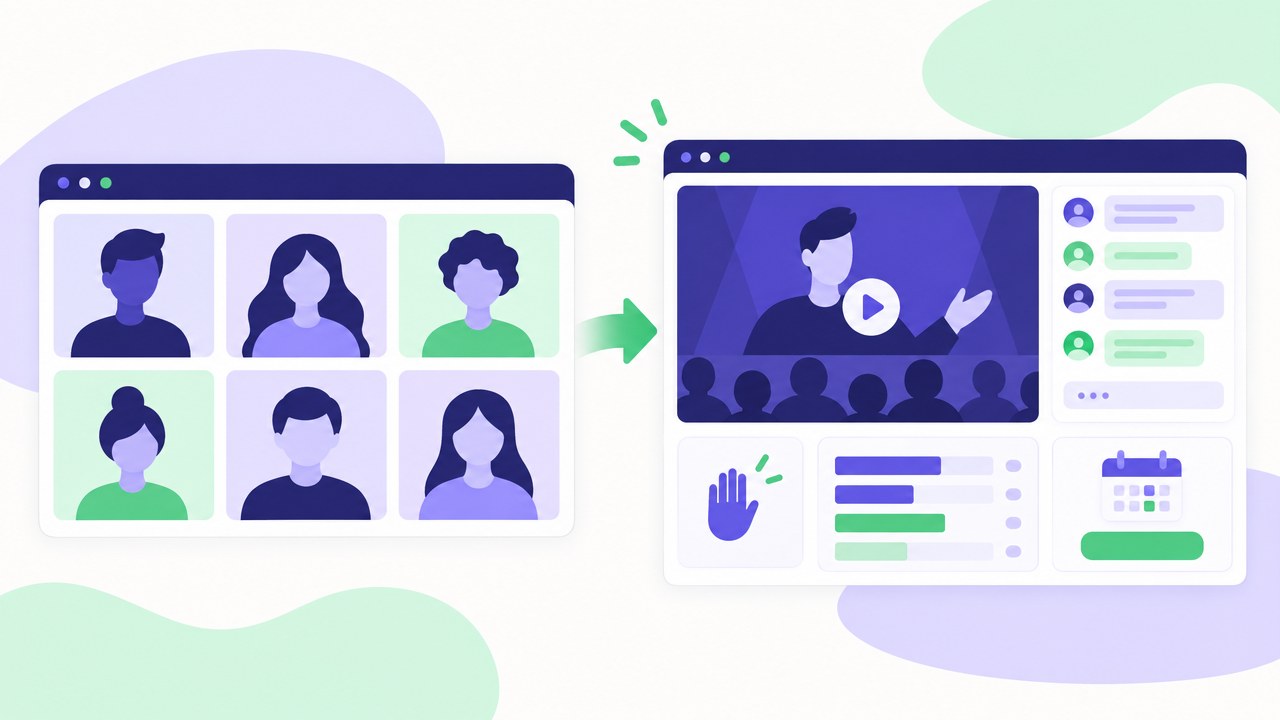
This is the question most teams start with, because most already pay for a video call tool. The two overlap, and several video conferencing products sell a webinar add-on, but they are built for different jobs.
| Video conferencing | Webinar software | |
|---|---|---|
| Built for | Two-way conversations | One-to-many presenting |
| Who is on camera | Usually everyone | Usually just the host(s) |
| How people join | A shared meeting link | A registration or booking page |
| Reminders | Calendar invite | Email (and sometimes text) sequences |
| Audience interaction | Talking, screen sharing | Chat, moderated Q&A, polls, offers |
| What you learn | Who was in the call | Who registered, attended, how long they stayed, what they asked and clicked |
| Recorded sessions | Saved as a file | Often replayable on a schedule as an automated webinar |
A simple rule of thumb: if you'd be uncomfortable with every attendee being able to unmute and share their screen, you want webinar software.
The main types of webinar software
"Webinar software" covers several quite different products. Knowing which type you need narrows the field quickly.
1. Live webinar platforms
You present in real time at a set date and time. These are good for launches, announcements, panel discussions and anything where the moment matters. The catch is that every session needs you there, and attendance depends on people being free at that exact time.
2. Automated (evergreen) webinar platforms
You record your best session once and the platform replays it on a schedule, for example daily, several times a day, or "starting in 15 minutes" for whoever has just signed up. Good platforms keep the session feeling live: viewers can't skip ahead, chat and polls fire at set moments, and someone can still answer questions. We cover this format in depth in Evergreen Webinars: The Complete Guide, and weigh it against live sessions in evergreen vs live webinars.
3. Virtual event platforms
Built for large, multi-session events with stages, breakout rooms, sponsor booths and agendas. They're powerful and usually priced and sold accordingly. If you're running a single talk or a weekly demo, they're often more than you need.
4. Video conferencing with a webinar mode
Some meeting tools offer a webinar mode or add-on with registration and a view-only audience. This can be a sensible starting point if your needs are basic and you already pay for the meeting tool, but marketing features, replays and analytics tend to be thinner than in a dedicated platform.
5. Hybrid: automated with a live option
A newer group plays a recording on a schedule but lets the host step in when needed. This is where WebinarFlow sits: your pitch runs on demand on a schedule, AI answers viewer questions in real time from your own material and your past answers, and when a question needs you or someone shows buying intent, your phone gets a push notification so you can jump in by chat or on camera.
What webinar software should do: the features that matter
Most platforms tick the basic boxes. The differences show up in the details, so here's what to look for in each part of the journey.
Registration and scheduling
- A registration or booking page you can brand, or embed on your own site.
- Flexible scheduling: one-off sessions, recurring times and, for automated webinars, just-in-time slots so nobody waits days for the next session.
- Time-zone handling, so attendees see times in their own zone.
- Confirmation and reminder emails you can edit. Reminders have a big effect on who actually turns up; our guide to lifting webinar show-up rates covers this in detail.
The viewing room
- Reliable playback in the browser, with no download needed for attendees.
- Works properly on phones, since many people join from one.
- Your presentation front and centre, with chat, Q&A and polls beside it rather than in pop-ups.
- A call-to-action or offer card that appears at the right moment, such as "book a call" or "start a trial".
Interaction and Q&A
This is where platforms differ most, especially for recorded sessions. Ask three questions:
- Who answers questions? A moderator watching a console, the host by email later, an AI, or a mix?
- How fast? An answer the next day is far less useful than one while the viewer is still watching.
- Can a real person step in? For sales conversations in particular, the moment someone asks about price or set-up is the moment you want to be there.
Analytics and follow-up
- Registration, attendance and replay numbers per session.
- Watch time and drop-off points, so you can see where your talk loses people.
- Questions asked, poll answers and clicks, attached to each attendee.
- Integrations with your email tool and CRM, or at least webhooks and exports, so leads don't sit in another silo.
Good follow-up is half the value of a webinar. See our follow-up tactics after a demo or webinar for what to do with the data.
Admin, security and scale
- Attendee limits per session that fit your audience size.
- Team seats, so colleagues can host or answer questions.
- Custom domains for booking and viewing pages if brand matters to you.
- Clear data handling. If you have UK or EU attendees, check how the provider handles GDPR and where data is stored.
What about AI in webinar software?
AI features have arrived quickly, and they vary a lot. Common ones include writing session descriptions and emails, generating chat or poll prompts from your video, summarising or repurposing recordings, and answering attendee questions.
Answering questions is the one that changes how a session feels, but it is only as good as what the AI knows. Check where its answers come from (your own website, documents, the video itself, or your previous answers), what happens when it doesn't know, and whether you can see and correct what it said. An AI that confidently guesses is worse than no AI at all. The safest set-up hands anything it can't answer, and anything that sounds like a buying signal, to a real person quickly.
Who is webinar software for?
Marketing teams
Webinars are a long-standing lead generation channel: people swap their email address for something useful, and the session itself shows what you know. Marketing teams typically want strong registration pages, reminders, analytics and CRM integrations.
SaaS sales teams and founders
If you give the same product demo again and again, webinar software lets you give it to many prospects at once, or record your best version and let it run on a schedule. That frees time for the conversations that need a person. Our async selling playbook and SaaS demo rules cover how to make that work.
Customer success and onboarding
Recurring onboarding sessions, feature walkthroughs and training are a natural fit, particularly as automated sessions that new customers can join when it suits them.
Educators, trainers, coaches and consultants
Anyone teaching or selling expertise uses webinars to reach more people than one-to-one sessions allow, and to give prospective clients a low-commitment way to see how they work.
Who probably doesn't need it
If you mostly run small internal meetings, occasional one-to-one calls, or a single annual event that an events agency handles, a dedicated webinar platform may be overkill.
How much does webinar software cost?
Pricing models vary: a flat monthly fee per plan, per-host pricing, or per-attendee pricing, and many plans are cheaper when paid yearly. Attendee limits, the number of webinars, team seats and AI features are the usual reasons the price climbs between tiers.
When we checked the market for our comparison page, evergreen tools aimed at coaches mostly sat between about $70 and $200 a month, and sales demo tools between about $500 and $2,000. Prices change often, so always check the vendor's own pricing page before you buy. For a closer look at automated platforms, see our roundup of the best evergreen and automated webinar software for B2B sales.
For reference, WebinarFlow's plans start at $49 a month, AI answers are included from $99 a month, and every plan starts with a 14-day free trial with no card needed.
Getting started: five practical steps
- Decide on the job. Lead generation, sales demos, onboarding or training? The job decides whether you need live, automated or both.
- List your must-haves. Use the feature sections above, or our buyer's checklist, and be strict about what is truly essential.
- Shortlist two or three platforms and run a free trial of each with a real session, not just a click-around.
- Write a proper script. The platform won't rescue a weak talk. Our guide to writing a webinar script and our 100 webinar tips will help.
- Measure and improve. Watch the drop-off points and questions after each session, and tighten the talk. Our webinar statistics roundup gives sourced benchmarks to compare against.
Giving the same pitch over and over? WebinarFlow puts your best version on a rolling schedule, lets AI answer questions from your own material, and pings your phone when someone needs you, so you can jump in by chat or on camera. Start a 14-day free trial.
Frequently asked questions
What is webinar software used for?
It's used to present to an audience online: marketing talks and lead generation, product demos, customer onboarding, training and courses. It handles registration, reminders, the viewing room, audience interaction and the follow-up data.
Is Zoom webinar software?
Zoom's standard meetings are video conferencing. Zoom also sells a separate webinar product with registration and a view-only audience. Whether that is enough depends on how much you need in the way of marketing features, replays, automation and analytics.
What is the difference between a webinar platform and webinar software?
In practice, nothing. The terms are used interchangeably, along with webinar hosting software and webinar tools.
What features should webinar software include?
At a minimum: registration pages, email reminders, a reliable browser-based viewing room that works on phones, chat and Q&A, polls, recordings and attendance analytics. For sales and marketing, add CRM integration, calls to action and, if you want to scale without presenting every time, automated scheduling.
Can webinar software run sessions without me being there?
Yes. Automated or evergreen webinar platforms replay a recorded session on a schedule. The better ones keep it interactive with timed chat and polls, AI answers or a way to notify you so you can step in.
Do attendees need to download anything?
With most modern platforms, no. Attendees join in the browser. It's worth checking during a trial, because a forced download can cost you attendees.
Is free webinar software good enough?
It can be for occasional, small sessions. Free tiers usually limit attendees, session length, branding or analytics. If webinars are a regular channel for leads or sales, those limits tend to bite quickly.