
AI Webinar Software: What It Can Automate and What It Cannot
By Ian Naylor ·
Drafted with AI assistance, then fact-checked and edited by Ian Naylor before publishing.
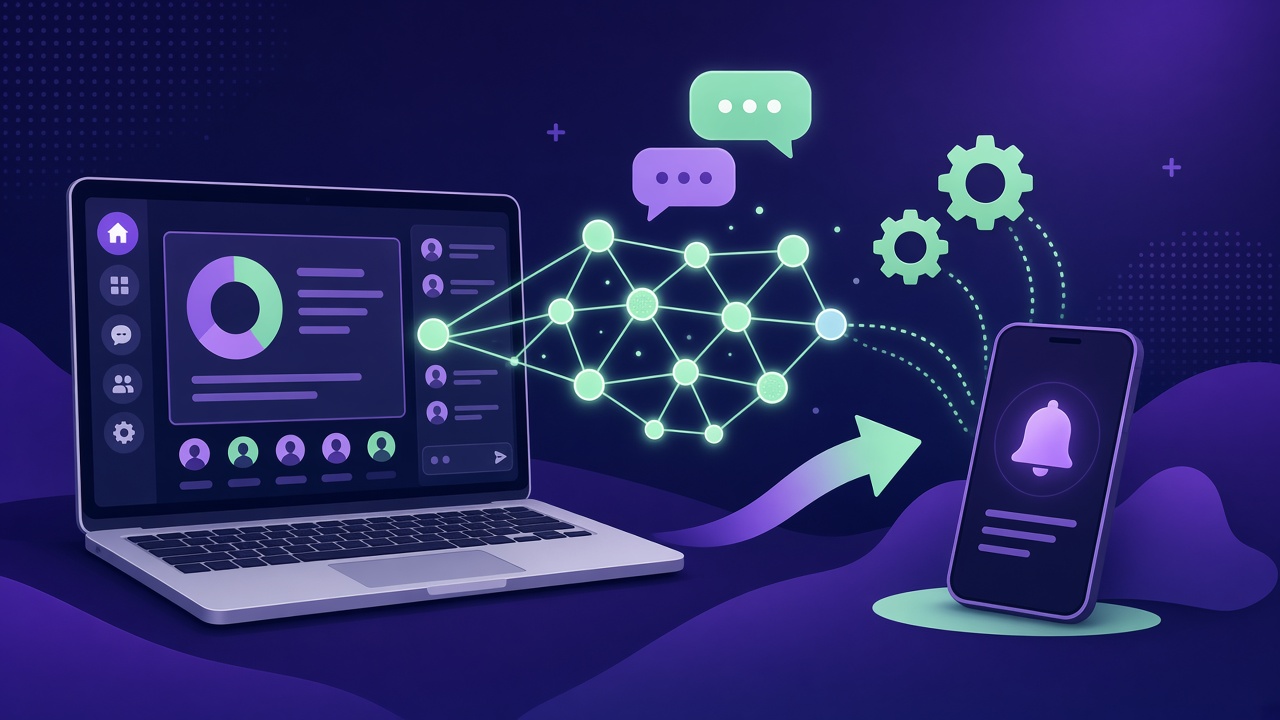
AI webinar software uses artificial intelligence to take repetitive work out of running webinars: drafting content, writing engagement chat, answering common attendee questions, summarising sessions and drafting follow-up. What it cannot do is replace your expertise, decide who is worth a conversation, or close a deal on your behalf. The useful tools automate the predictable parts and pull a human in quickly for the rest.
That distinction matters more than any feature list. "AI" is now printed on almost every webinar product page, but it can mean anything from a slide generator to a chatbot that answers questions live. This guide breaks down what can genuinely be automated, where AI still falls short, and what to look for when you compare platforms.
If you are new to recorded or scheduled sessions, start with our guide to evergreen webinars. For the wider picture of what a webinar platform should do, see our webinar software guide.
What counts as AI webinar software?
The label covers several quite different jobs. It helps to sort them into three groups:
- AI that helps you make the webinar. Topic ideas, outlines, scripts, slides, voiceover clean-up and editing. Much of this is done with general AI tools rather than inside a webinar platform. Our guide on how to create a webinar using AI covers this stage step by step.
- AI that runs inside the session. Answering attendee questions in the chat, writing scripted engagement messages, prompting polls, and flagging questions that need a person.
- AI that works after the session. Transcripts, summaries, lead notes, follow-up email drafts and turning the recording into other content.
When a vendor says "AI-powered", ask which of these three it means. A platform with a strong in-session AI is a very different product from one that only generates a summary at the end.
What AI webinar software can automate well
Scheduling and session delivery
Strictly speaking this is automation rather than AI, but it is the foundation everything else sits on. An automated webinar platform can play your recorded presentation on a rolling schedule, offer just-in-time sessions and replays, and send reminders without you being there. Without this, the AI features have nothing to attach to. Our comparison of evergreen and live webinars explains the trade-offs.
First drafts of webinar content
AI is good at producing a first draft of an outline, a script, slide copy, a registration page or a reminder email. It saves blank-page time. It does not know your product, your customers or your proof, so treat every draft as raw material. Our webinar script guide shows the structure a good draft should end up with.
Engagement chat and timed interactions
In a recorded session, scripted chat messages, polls and offers can fire at set moments. Some platforms now use AI to write that engagement chat from the content of your video, which saves you writing dozens of messages by hand. The aim is not to fake an audience, it is to give real attendees a room where joining in feels normal.
Answering common attendee questions
This is the feature that has changed most. A well-designed AI can answer the questions it has seen before, such as pricing, integrations, set-up time or how a feature works, using material you have given it: your presentation, your documents and your own past answers. That means an attendee watching at 10pm can still get a sensible answer straight away instead of a "we will get back to you".
The quality depends almost entirely on the source material. An AI trained on your own talk and your own answers will be more accurate than one guessing from the open web.
Summaries, transcripts and follow-up drafts
After a session, AI can transcribe what was said, summarise the questions asked and draft follow-up messages. This is low-risk, high-value automation, as long as someone reads the draft before it goes out.
Repurposing
A recorded webinar can be turned into clips, articles, social posts and email content. AI speeds up the first pass. A human still needs to pick the moments that are worth sharing.
What AI webinar software cannot do (yet)
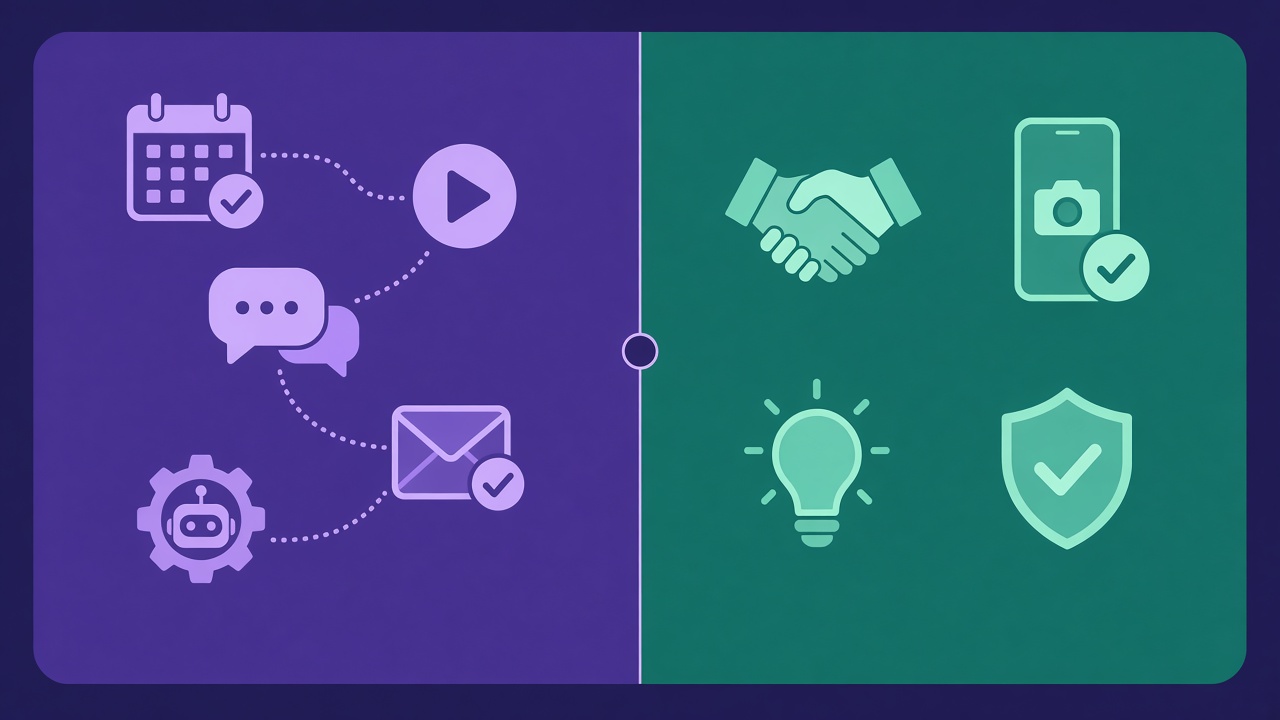
Supply your expertise
AI can rephrase what you know. It cannot know what you know. The insight, the examples, the honest "here is when our product is not right for you" all have to come from you. A webinar built entirely from AI output tends to sound like every other webinar on the topic.
Answer questions it has no source for
When an attendee asks something specific, such as an unusual integration, a contract detail or a pricing edge case, an AI without a reliable source will either decline or, worse, make something up. Good software should be confident only when it has grounds to be, and hand the rest to a person.
Judge buying intent and handle a real conversation
A question like "could this work for our team of 40?" is a buying signal. AI can flag it, but the conversation that follows, understanding the situation, handling objections and agreeing a next step, is where a person makes the difference. Our list of sales objections and answers shows how much nuance that involves.
Build trust on its own
People buy from people. An automated webinar that never lets a human appear can feel like talking to a wall. The strongest set-ups use automation to deliver the pitch and AI to cover the routine questions, while making it easy for a real person to step in.
Guarantee accuracy without oversight
Every AI answer, summary and follow-up should be reviewable. If you cannot see what the AI said to attendees and correct it, you cannot trust it in front of prospects.
Automated, AI-assisted or human: a quick split
| Task | Automate | AI can draft or handle | Keep human |
|---|---|---|---|
| Session scheduling and reminders | Yes | ||
| Script, slides and emails | First draft | Final edit and proof | |
| Engagement chat and polls | Timing | Writing the messages | Tone check |
| Routine attendee questions | Yes, from your material | Review and correct | |
| Unusual or high-stakes questions | Flag them | Answer them | |
| Buying signals | Alerts | Spot them | The conversation |
| Summaries and follow-up | Drafts | Approve before sending |
How to choose AI webinar software
Use these questions when you compare platforms:
- Where does the AI get its answers? Your own presentation, documents and answers are better than generic knowledge.
- Does it learn from you? If you answer a question once, will the AI handle it next time?
- What happens when it does not know? Look for a clear handoff: a notification to a person, an inbox of unanswered questions, or both.
- Can a human step in live? The ability to reply in chat, or go live on camera, while the session is running is what stops automation feeling abandoned.
- Can you see and correct the AI? Every answer should be visible and editable.
- Are there usage limits? Many plans cap AI answers per month. Check the numbers against your expected volume.
- Does it fit your use case? Tools aimed at course launches, large marketing events and SaaS sales demos make different trade-offs. Our buyer's checklist for webinar platforms and comparison of automated webinar software go into more detail.
How Webinar Flow approaches AI
Webinar Flow is an automated webinar platform built for SaaS sales teams, and its AI is designed around the split above rather than trying to replace the host.
- Your recorded presentation runs on a rolling schedule, including just-in-time sessions and instant replay, with scripted chat, polls and offers firing at the moments you set.
- On the Growth plan and above, the AI answers attendee questions in the chat when it is confident, using your video, your documents and the answers you have given before.
- When it is not confident, or someone looks ready to buy, your phone gets a notification and you can reply in the chat under your own name, or go live on camera and then hand back to the recording, which picks up where it stopped.
- Anything the AI missed lands in an unanswered-questions inbox with AI-drafted follow-ups, and the AI learns from the answers you give.
- Engagement chat can be written from your video, so you do not have to script every message by hand.
Plans start at $49 a month, and Growth, which includes AI answers, is $99 a month with 500 AI answers a month. There is a 14-day free trial of the full Growth experience with no card needed. See pricing for the full details, or compare Webinar Flow with other platforms.
Frequently asked questions
What is AI webinar software?
AI webinar software is a webinar platform, or a tool used alongside one, that uses AI for tasks such as drafting content, writing engagement messages, answering attendee questions, summarising sessions and drafting follow-up.
Can AI run a webinar on its own?
AI and automation together can deliver a recorded webinar, run the chat and answer routine questions without you. It should not be left to handle unusual questions or sales conversations alone. The best results come from automating delivery and keeping a human one step away.
Is AI good at answering questions in webinars?
It can be, if it answers from reliable material such as your own presentation, documents and past answers, and passes anything it is unsure about to a person. Be wary of tools that answer everything confidently with no visible source or review.
Will attendees know they are talking to AI?
That depends on the platform and how you set it up. Being open about it is the safer approach. Attendees mainly care about getting a fast, accurate answer and being able to reach a real person when it matters.
Does AI webinar software replace a webinar host?
No. It removes repetitive work so the host can spend their time on the conversations that need them. Expertise, judgement and relationship-building remain human jobs.
What should I check before buying AI webinar software?
Check where the AI gets its answers, whether it learns from you, how it hands questions to a human, whether you can review its answers, and what the monthly AI limits are on each plan.
The bottom line
AI webinar software is most useful when it is honest about its limits. Let it schedule, draft, write engagement, answer the routine questions and summarise. Keep the expertise, the judgement and the sales conversation human, and choose a platform that makes it quick for a person to step in. If you want to see that approach in practice, you can try Webinar Flow free for 14 days.