
Automated Webinar Interactions: How to Run Polls, Q&A and Offers With No Host Live
By Ian Naylor ·
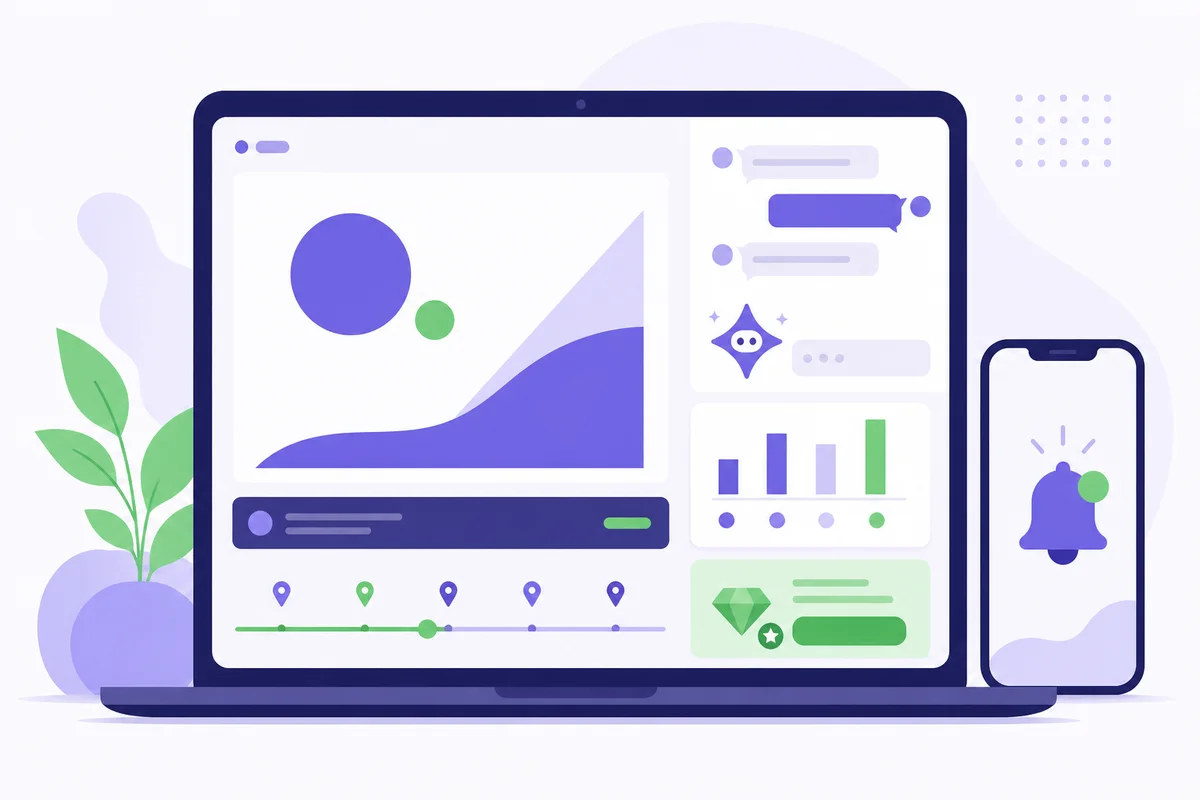
You make an automated webinar interactive by placing every interaction on the recording's timeline so it fires at the exact moment the topic comes up: a welcome message near the start, a poll straight after you describe the problem, an offer card when you show pricing and a booking link at the end. Then you make sure questions get a real answer while the viewer is still watching, ideally from AI that has learned your material, with a push alert that lets you jump in by chat or on camera when the AI can't answer or someone shows buying intent. Done well, nobody feels they are watching a video on a page; they feel they're in a session that responds to them.
This guide covers each type of interaction, where to place it, how to handle questions without a host, how to time offers, and the mistakes that make a recorded session feel empty. If you're new to the format, start with what an automated webinar is and how it works.
Why interactions matter more when nobody is presenting live
In a live webinar, the presenter's energy does a lot of work. They react to the chat, ask the room a question and pause when someone looks confused. A recording can't do that on its own, so an automated session that is just a video player tends to feel flat, and viewers drift off.
Interactions put that responsiveness back. They give viewers something to do, show them that other people are engaged, and, most importantly for sales, tell you who is interested. A poll answer, a question about pricing or a click on an offer card is a signal you can act on. That's the real reason to bother: interactions turn a passive replay into a source of qualified leads.
The five interactions every automated webinar should have
1. Scripted chat messages
These are messages you write in advance that appear in the chat at set moments, from you or from a named host account. Use them to:
- Welcome people in the first minute and tell them what they'll get from the session.
- Set expectations: "Questions welcome at any point, type them in the chat and you'll get an answer."
- Point to a resource when you mention it ("Here's the checklist I just mentioned").
- Bridge sections ("Next up: how this works in practice").
Keep them honest. A scripted message from the host is fine; fake messages pretending to be other attendees are not, and savvy B2B buyers spot them quickly.
2. Polls
Polls are the easiest way to get viewers to act, and the answers tell you a lot. Good automated webinar polls:
- Ask about the viewer's situation, not trivia. "How do you run demos today?" beats "Did you know...?"
- Arrive right after a relevant point, so answering feels natural.
- Have three or four short options, including an "other" or "not sure".
- Feed your follow-up. Someone who picks "we're evaluating tools this quarter" is a warmer lead than someone who picks "just researching".
One or two polls in a 20 to 40 minute session is usually plenty. More than that starts to feel like a survey.
3. Questions and answers
This is where most automated webinars fall down. Collecting questions and promising to "follow up by email" is better than nothing, but by the time the reply arrives the viewer has moved on. Interest is highest while they are still watching.
The stronger approach has three layers:
- Instant answers to common questions. AI trained on your presentation, your documents and the answers you've given before can reply in the chat in real time, so routine questions about features, setup or fit don't wait.
- A person for everything else. When the AI can't answer, or a question signals buying intent ("Can this work with our CRM?", "What would this cost for a team of 20?"), you get a push notification and can reply in the chat yourself or step in on camera.
- Learning over time. Each answer you give becomes something the AI can use next time, so you get pulled in less often for the same question.
The effect is that you are effectively present in every session without having to sit through every one.
4. Offer cards and calls to action
An offer card is a clickable panel that appears beside the presentation: start a trial, book a call, claim a discount or download a resource. It works best when:
- It appears when you talk about it, not five minutes earlier or later.
- It stays visible long enough to be noticed, then remains available.
- There's one main action. A single clear next step beats three competing buttons.
- The ask matches the stage. Early in the session, offer something light (a guide or checklist). After the demo and pricing, offer the trial or the call.
5. A booking link or hand-off to a person
For B2B sales, the most valuable action is often a conversation. Put a booking link near the end and in your follow-up, and make it easy for someone who is ready now to talk to you now, which is where the push notification and live takeover come in.
Where to place each interaction: a sample timeline
Here's a simple layout for a 30-minute product demo. Adjust the times to your own recording.
| Moment | What happens | Interaction |
|---|---|---|
| 0:00 to 1:00 | Welcome and agenda | Scripted welcome message; note that questions are answered as you go |
| 3:00 to 6:00 | The problem | Poll: "Which of these sounds most like your team?" |
| 6:00 to 15:00 | The solution and demo | Scripted message linking to a relevant resource |
| 15:00 to 18:00 | A customer example or use case | Prompt in chat: "What would you want to try first?" |
| 20:00 to 23:00 | Pricing and plans | Offer card for the trial or deal |
| 25:00 to 28:00 | Recap and next steps | Booking link card; scripted message inviting final questions |
| Throughout | Viewer questions | AI answers in chat; you're alerted for unanswered questions or buying signals |
The rule of thumb: every interaction should be tied to something you are saying at that moment. If you can't explain why it appears at that second, move it or cut it.
How to time the offer
Timing matters more than wording. A few principles:
- Earn it first. Show the problem and the solution before you ask for anything big.
- Introduce it in the recording. Say "I'll put the link on screen now" and have the card appear as you say it. The match between voice and screen feels deliberate.
- Give it a reason. Explain who it's for and what happens when they click.
- Repeat it once. Mention it again in the recap, and include it in the follow-up email.
- Don't fake urgency. Countdown timers that reset for every viewer undermine trust. If an offer genuinely ends on a date, say so; if it doesn't, don't pretend.
For more on the sales side, see our guide to improving webinar conversion rates and our webinar script templates, which include where to write the offer into your talk.
Making it feel like a session, not a video
Some details that make a big difference:
- Use a proper room. The presentation on screen with chat and polls beside it, rather than a video embedded on a landing page.
- Run it on a session clock. When everyone in a session sees the same moment at the same time, timed interactions land properly and the session feels like an event.
- Be upfront about the format. You don't need to pretend it's live. Saying "this is a recorded session, but I'm around and questions get answered" builds more trust than a pretence that might be found out.
- Keep the recording current. An interaction that points to an old feature or an expired offer breaks the spell. Review your timeline whenever the product or pricing changes.
Turning interactions into leads
Every interaction is data. After each session, look at:
- Poll answers, to segment follow-up by situation or readiness.
- Questions asked, especially about pricing, integrations, team size or timelines. These are buying signals.
- Offer and booking clicks, to see who took the next step and who hovered.
- How far people watched, so someone who stayed to the pricing section gets a different email from someone who left after five minutes.
Then follow up while it's fresh. Our list of 67 follow-up tactics after a demo or webinar has plenty of ideas, and our guide to building a webinar funnel shows how the pieces fit together.
Common mistakes with automated webinar interactions
- Too many interactions. A poll every three minutes feels like homework. Fewer, better-placed ones work harder.
- Fake attendee chat. Invented messages from "other viewers" damage trust when spotted.
- Questions that go nowhere. A chat box with no answers is worse than no chat box.
- An offer with no context. A card that appears before you've mentioned it confuses people.
- No alert for hot leads. If someone asks "how do I get started?" and nobody notices until tomorrow, the moment is gone.
- Set and forget. Timelines drift out of date as products change. Check them regularly.
How Webinar Flow handles interactions
Webinar Flow was built around this exact problem. Scripted chat, polls and your offer card fire at the second you place them, in every session. While people watch, AI answers their questions in real time, learning from your presentation and the answers you've given before. When it can't answer, or someone shows they're ready to buy, your phone buzzes and you can reply in the chat or go live on camera; when you're done, the recording picks up where it stopped.
If you're comparing options, our comparison pages cover tools such as eWebinar, Livestorm and WebinarKit, and our roundup of automated webinar software scores the main platforms. To see how it works from the viewer's side, book a session of our own demo.
Automated webinar interactions checklist
- Write a welcome message and a "questions welcome" note for the first minute.
- Add one or two polls straight after relevant points.
- Place scripted messages where you mention resources.
- Time your offer card to the moment you introduce it.
- Add a booking link near the end.
- Set up real-time answers for common questions.
- Turn on alerts for unanswered questions and buying signals.
- Use poll answers, questions and watch time to shape follow-up.
- Review the timeline whenever your product or pricing changes.
FAQ
Can automated webinars be interactive?
Yes. Scripted chat, polls, offer cards and booking links can fire at set moments in every session, and questions can be answered in the chat by AI or by a person who steps in. The key is placing each interaction where it fits the content.
How do you run a poll in an automated webinar?
You add the poll to the recording's timeline at the moment you want it to appear, usually just after a relevant point. Every viewer sees it at the same point in the session, and their answers are saved so you can use them in follow-up.
How are questions answered in an automated webinar?
It depends on the platform. Some only collect questions for an email reply later. Others answer in the chat in real time using AI trained on your material, and alert a person when a question needs a human or shows buying intent, so they can reply in chat or join on camera.
When should the offer appear in an automated webinar?
After you've shown the problem and the solution, and at the moment you mention the offer in the recording. Repeat it once in the recap and again in the follow-up email.
How many polls should an automated webinar have?
For a 20 to 40 minute session, one or two well-placed polls is usually enough. Each should ask about the viewer's situation and help you tailor your follow-up.
Should I tell viewers the webinar is pre-recorded?
Being upfront is the safer choice. Viewers mostly care that the session is useful and that their questions get answered, and honesty about the format avoids losing trust if they work it out.
Do I need to be online while an automated webinar runs?
No. If AI handles routine questions and you get a push alert for anything it can't answer or for buying signals, you can get on with your day and step in only when it counts.
Is fake attendee chat a good idea?
No. Invented messages from "other viewers" can backfire with B2B buyers. Scripted messages from the host are fine, as long as they're clearly from you.
Drafted with AI assistance, then fact-checked and edited by Ian Naylor before publishing.