
How to Improve Webinar Conversion Rates
By Ian Naylor ·
Drafted with AI assistance, then fact-checked and edited by Ian Naylor before publishing.
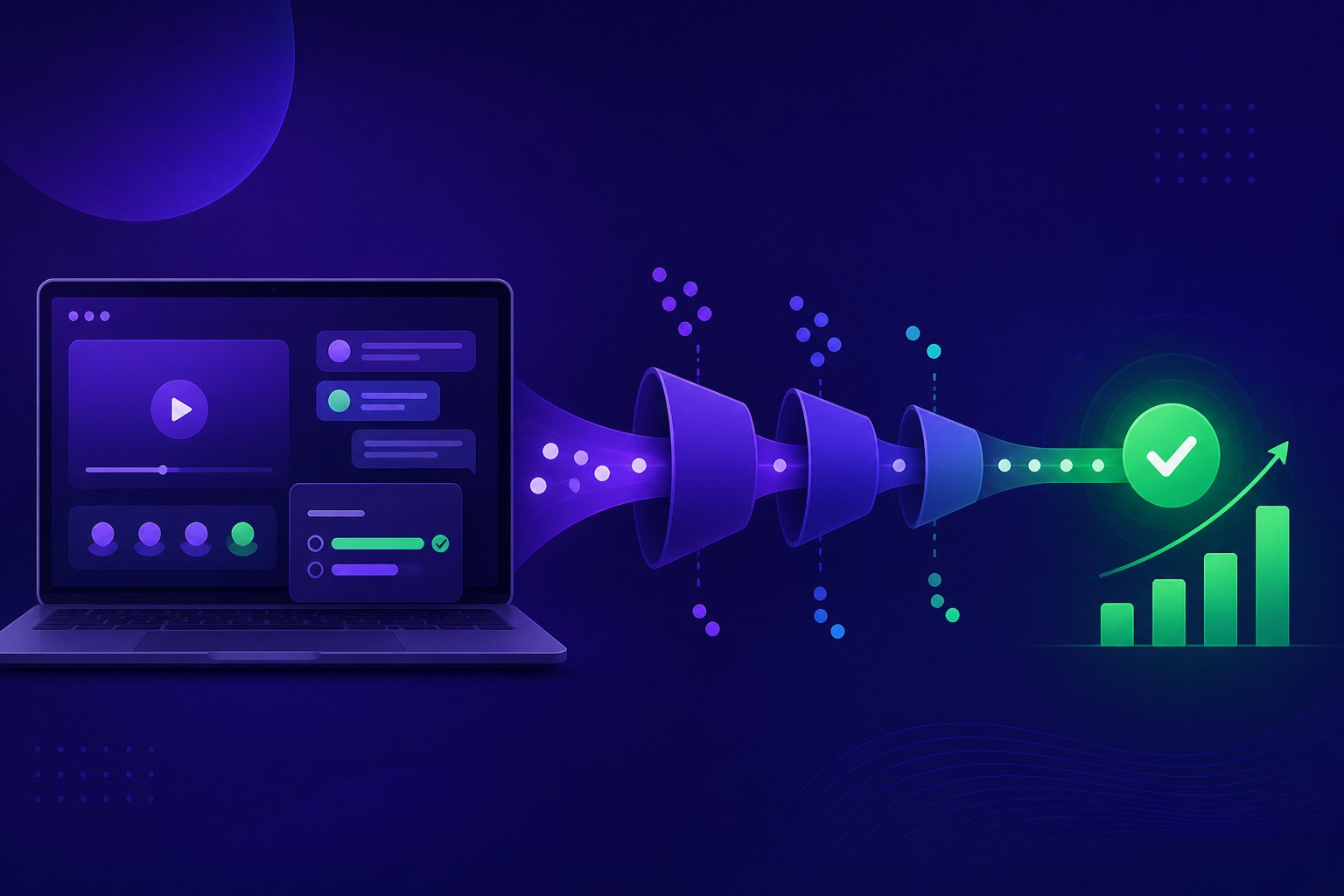
To improve your webinar conversion rate, stop treating it as one number. Break the journey into stages (registration, show-up, watch time, engagement, the offer and follow-up), measure where people drop out, and fix the leakiest stage first. For most sales webinars the biggest gains come from three places: getting more registrants into the room soon after they sign up, making the offer early enough that people are still watching when you make it, and answering questions quickly enough that interest turns into a next step. Small improvements at each stage multiply, so a modest lift in show-up and watch time can do more for sales than a big push on registrations.
This guide walks through each stage, what usually goes wrong, and what to change. Where we quote benchmarks, they come from our webinar statistics 2026 round-up, where every figure is attributed to the report it came from.
What "webinar conversion rate" actually means
"Conversion" means different things in different reports, which is why benchmarks often seem to contradict each other. Before you try to improve it, decide which conversion you mean:
| Stage | Conversion measured | Typical question it answers |
|---|---|---|
| Registration page | Visitors who register | Is the page and the promise clear? |
| Show-up | Registrants who attend (live or replay) | Are reminders and timing working? |
| Watch time | Attendees still watching at the offer | Is the content holding attention? |
| Engagement | Attendees who chat, ask or answer a poll | Does the room feel safe to join in? |
| Offer | Attendees who click the call to action | Is the ask clear and well timed? |
| Sale or meeting | Attendees who book, start a trial or buy | Is follow-up fast and relevant? |
Your overall rate (registrants who end up buying or booking a call) is these stages multiplied together. That is the useful part: you do not need to double any one stage to double the result. You need to find the weakest one.
Step 1: Measure each stage before changing anything
Pull the last few weeks of sessions and write down, for each one:
- Registration page visitors and registrations.
- Registrants who attended live, and who watched a replay.
- Average watch time, and how many were still watching when you made the offer.
- Chat messages, questions and poll answers.
- Offer clicks.
- Meetings booked, trials started or purchases within, say, 14 days.
Compare your numbers with sensible reference points, not a single "average". Platforms measure differently, so treat ranges as more reliable than single figures. Two examples from our statistics round-up: Goldcast's 2026 B2B benchmark report put average attendance at 40% of registrants in 2025, and Livestorm's benchmark page put average watch time at 26 minutes of a typical 68-minute session.
If you only fix one thing this month, fix the stage that is furthest below your own expectations and closest to the money.
Step 2: Improve registration-page conversion
People who never register cannot convert, but registrations are rarely the real bottleneck. Get the page right, then move on.
- Lead with the outcome, not the event. Say what the viewer will be able to do or decide after watching. "See how to automate your first demo in 20 minutes" beats "Monthly product webinar".
- Use plain titles. Goldcast's 2025 data found titles containing the word "webinar" drew more registrations than those without. Clear beats clever.
- Ask for as little as possible. Name and work email is usually enough. Collect qualifying information later, from what people do in the session.
- Show the next session time near the button, and offer more than one time where you can.
- Keep it on your own site. An embedded booking form on a page your visitors already trust avoids an extra hop to a third-party page. Webinar Flow's booking embed does this with one snippet.
Step 3: Raise show-up rate
Show-up is where many webinars lose half their audience before the presentation starts, and it is one of the easiest stages to improve.
- Shorten the gap between registering and watching. Livestorm's analysis of 4.35 million registrations found 15.3% happened on the day of the webinar. Those people are at peak interest. A fixed weekly slot can make them wait days; just-in-time sessions (a session starting every 15 minutes, for example) let them watch while they still care.
- Send reminders, and send the important ones close to the start. A confirmation straight away, a reminder the day before for anyone booked further out, and one shortly before the session.
- Offer an instant replay for people who miss it, so a missed session is a second chance rather than a lost lead.
- Make the calendar invite do the work. Include the joining link in the invite itself, not only in an email.
Our guide on 60 ways to lift webinar show-up rate goes into far more detail.
Step 4: Reduce webinar drop-off
The offer only converts the people still watching when you make it. If most viewers have gone by minute 30, an offer at minute 45 is talking to an empty room.
- Cut the intro. Banzai's 2024 report found the first third of a webinar loses around a quarter or more of viewers, and slightly more on automated webinars. Skip the long agenda and the company history; get to the problem in the first couple of minutes.
- Make the session shorter. If your content takes 60 minutes, ask whether 25 to 35 would do the same job. Most attention data points shorter than most hosting habits.
- Move the offer earlier. Place it at the point where you have shown enough of the solution to justify the ask, typically well before the end, then repeat it at the close.
- Show, don't describe. For a product webinar, the demo is the content. Show the product solving the viewer's problem rather than slides about it.
- Fix the parts where people leave. If your platform shows when viewers drop, look at what is on screen at those moments and change it.
If you run the same session repeatedly, record your strongest version once and reuse it. Our guide to creating an evergreen webinar from a live recording covers how to tighten a recording before you put it on a schedule.
Step 5: Increase webinar engagement
Engagement is not a vanity metric. Viewers who ask, answer or click are telling you they are interested, and engaged rooms tend to convert better. Univid's data, for example, found much higher call-to-action click rates in sessions with lots of reactions than in quiet ones (that is a correlation, not a guarantee).
- Give people an easy first action. A one-click poll early in the session gets people participating before you need them to ask anything harder.
- Make asking feel normal. Many people hesitate to be the first to ask a question in public. Seeding the chat with a common question, or prompting viewers with "What is the one thing you would want to see?", lowers the bar.
- Answer questions in the session, quickly. An unanswered question in the chat is a buying signal going cold.
- Use what people ask. The questions that come up again and again are your objections. Answer them inside the presentation next time.
On automated sessions, the risk is a room that feels deaf. Webinar Flow sends a question to the presenter's phone the moment it is asked, so you can reply in the chat or go live on camera, and its AI learns from your answers to handle repeat questions. Our post on AI webinar software covers what AI can and cannot sensibly do here.
Step 6: Make the offer convert
A webinar can be excellent and still convert poorly if the ask is vague.
- Make one clear offer. Book a call, start a trial or claim a deal. Not all three.
- Match the offer to the audience's stage. Early-stage viewers may want a resource or a trial; viewers who booked a product demo are often ready for a call.
- Time it to the moment of proof. Show the result, then make the ask while it is on screen.
- Put the offer on screen, not just in your words. A clickable offer card that appears at the right second converts more reliably than a URL read aloud.
- Remove friction after the click. If the offer is a call, let them pick a time straight away rather than "someone will be in touch".
- Handle the obvious objections before you ask. Price, set-up time and integrations are common ones. Our list of 75 sales objections and answers is a useful prompt.
For more on the presentation itself, see 100 webinar tips that sell and how to write a webinar script.
Step 7: Follow up fast and by behaviour
Much of a webinar's conversion happens after it ends. The follow-up should depend on what each person did, not go out as one email to everyone.
| What they did | What to send | When |
|---|---|---|
| Registered, did not attend | Replay link or the next available session | Same day |
| Attended, left early | Short replay from where they left, or a summary of the part they missed | Same day |
| Watched to the end, did not click | The offer again, with an answer to the most common objection | Within a day |
| Clicked the offer, did not complete | A direct, personal note offering help | Within hours |
| Asked a question | A personal answer, plus a suggested next step | As soon as possible |
Speed matters most for the people who showed the strongest interest. The Harvard Business Review research quoted on our homepage found firms that responded to online leads within an hour were far more likely to qualify them than those who waited longer. For templates, see 40 follow-up tactics after a demo or webinar, and for the wider sequence, our guide to building a webinar funnel.
Step 8: Test one change at a time
Once you know which stage is weakest, change one thing, run enough sessions to see whether it helped, and keep or reverse it. Useful tests include:
- Session length (for example, 45 minutes versus 25).
- Offer timing (end of session versus straight after the main demo).
- Session frequency (fixed weekly time versus just-in-time sessions).
- Reminder timing.
- Title and registration-page headline.
Changing everything at once makes it impossible to know what worked.
Common mistakes that hurt webinar conversion
- Chasing registrations while ignoring show-up and watch time. More registrants into a leaky session just means more leaks.
- A long warm-up before the value. Viewers decide quickly whether to stay.
- Saving the offer for the last minute. Many viewers have already gone.
- Leaving questions unanswered, especially on recorded sessions.
- One follow-up email for everyone, sent days later.
- Comparing yourself with averages from a different format. A booked one-to-one product demo and a 300-person marketing webinar behave very differently.
Webinar conversion checklist
- Stage-by-stage numbers recorded for recent sessions
- Weakest stage identified
- Registration page leads with a clear outcome and asks for minimal details
- Sessions available soon after registration, with an instant replay
- Reminders set, including one shortly before the start
- Intro cut to a couple of minutes
- Offer placed at the moment of proof, and repeated at the end
- Early poll and an easy way to ask questions
- Questions answered during the session
- Follow-up split by behaviour and sent the same day
- One change tested at a time
How Webinar Flow helps
Webinar Flow is built for sales teams that run the same demo again and again. You record your best presentation once, put it on a rolling schedule (including just-in-time sessions and instant replay), and place chat, polls and your offer card at the exact second you choose. When someone asks a question, your phone buzzes and you can answer in the chat or go live on camera, then hand the room back to the recording. Registrations, show-up and offer clicks are tracked so you can see which stage to fix. See pricing or how it compares with other tools.
WebinarFlow vs WebinarKit and WebinarFlow vs Demio compare it with two popular alternatives.
FAQ
What is a good webinar conversion rate?
It depends which conversion you mean and what kind of webinar you run. Registration-to-attendance, attendance-to-click and attendance-to-sale are all called "conversion rate" and vary widely by audience, format and offer. The most reliable benchmark is your own previous sessions: measure each stage and aim to improve the weakest. Our webinar statistics 2026 post lists sourced ranges if you want outside reference points.
How do I increase webinar sales quickly?
Look at the stages closest to the money first. Make one clear offer, show it on screen at the moment you have proved the value, make sure viewers are still watching when you make it, and follow up the same day with people who clicked or asked a question.
Why do people leave webinars early?
Usually because the start is slow, the session is longer than the content needs, or the topic is not what the title promised. Cut the introduction, get to the problem quickly and keep the session as short as it can be while still doing the job.
Do shorter webinars convert better?
Not automatically, but a shorter session means more of your audience is still watching when you make the offer. If your current offer comes after most viewers have left, shortening the session or moving the offer earlier is one of the most effective changes you can make.
Does webinar engagement affect conversion?
Engaged viewers tend to be more interested buyers, and sessions with more activity tend to see more clicks. Polls, an easy way to ask questions and fast answers all help, but engagement is a signal to act on rather than a goal in itself.
Do automated webinars convert as well as live ones?
They can, if they are not left unattended. A recording lets prospects watch at a time that suits them and delivers your best version every time, but questions still need answers. Pairing a recorded session with a person who can step in when someone asks, as Webinar Flow does, keeps the convenience without losing the conversation. Our comparison of evergreen vs live webinars covers the trade-offs.
How soon should I follow up after a webinar?
The same day for most people, and as soon as possible for anyone who asked a question or clicked your offer. Their interest is highest straight after the session.