
What Is an Automated Webinar? How It Works, When It Beats Live and What Attendees See
By Ian Naylor ·
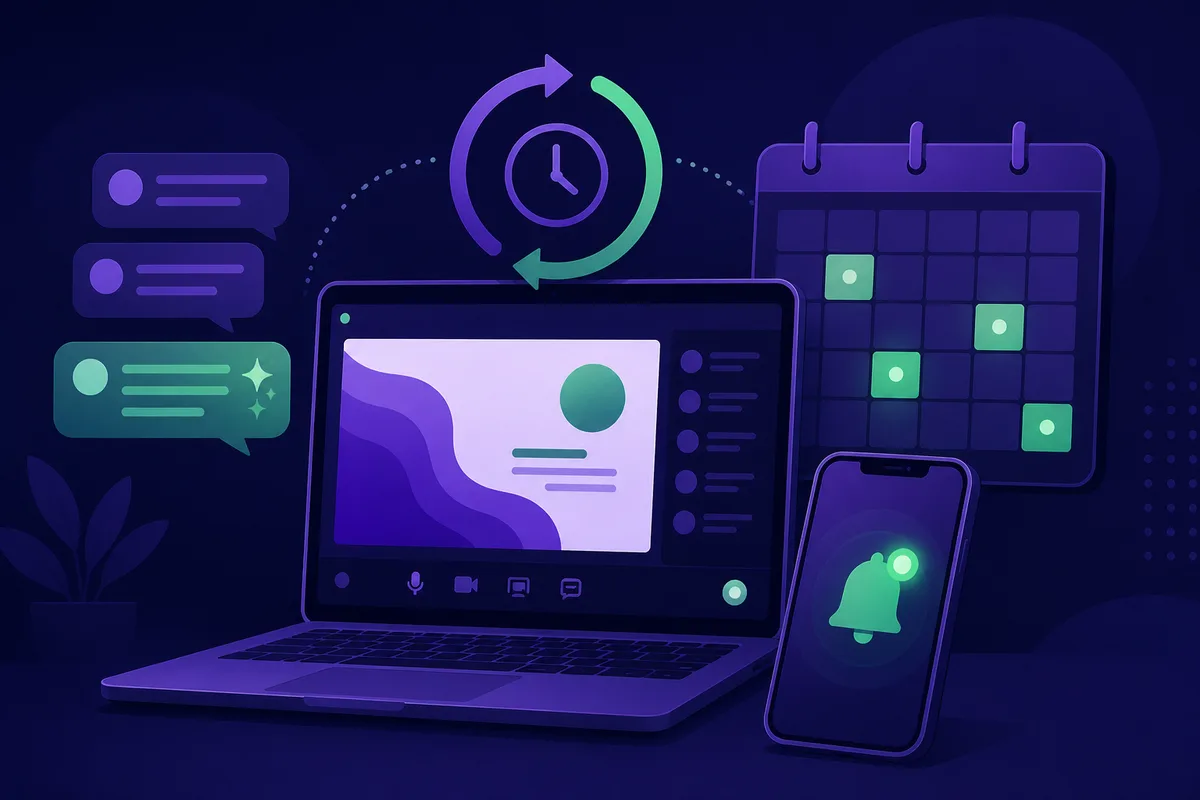
An automated webinar is a pre-recorded presentation that runs on a schedule without a presenter delivering it live. Software handles the whole journey: people book a session time, get reminders, watch the recording in a proper webinar room, see chat messages, polls and offers appear at set moments, and receive follow-up afterwards. You record your best version once and it plays as often as people want to watch, day or night. The good ones don't leave viewers talking to a wall: questions still get answered, either by AI trained on your material or by you stepping in when it matters.
This guide explains how an automated webinar works behind the scenes, what attendees actually see, how it differs from live and evergreen webinars, and when automation is the better choice. If you're already comparing tools, our roundup of the best automated webinar software for B2B sales scores the main options.
Automated webinar: a quick definition
An automated webinar has three parts:
- A recording. Your presentation, demo or training, recorded once and edited if needed.
- A schedule. Rules that decide when sessions run: daily, several times a day, "just-in-time" slots that start within minutes of someone registering, or an instant replay.
- Automation around the recording. Registration pages, confirmation emails, reminders, timed chat and polls, calls to action, attendance tracking and follow-up, all triggered without anyone pressing a button.
The word "automated" describes the delivery: the system runs the session for you. That's slightly different from "evergreen", which describes the content: material that stays relevant for months. Most automated webinars use evergreen content, but they don't have to. Our complete guide to evergreen webinars covers the content side in depth.
How an automated webinar works, step by step
Here's what happens from the moment someone finds your webinar to the moment they become a lead.
1. A visitor picks a session time
They land on a registration page or a booking widget embedded on your site. Instead of one fixed date, they see a list of upcoming sessions generated from your schedule rules. Someone visiting at 10pm on a Sunday can still book a session that starts shortly, rather than waiting a fortnight for the next live event.
2. Confirmations and reminders go out automatically
The system sends a confirmation with a calendar link, then reminders before the session starts. Reminders matter as much for automated webinars as for live ones. Our list of 60 ways to lift your webinar show-up rate applies just as well here.
3. The session plays on a clock
When the start time arrives, the recording plays inside a webinar room, not a standard video player. In a well-built room, everyone in that session is locked to the same session clock, so nobody can skip ahead to the price slide or scrub past the important bit. That keeps the experience closer to a real event and protects the structure of your pitch.
4. Interactions fire at the moments you chose
While you were setting up, you placed interactions on the timeline: a welcome message at 0:30, a poll after the problem section, an offer card when you show pricing, a link to book a call near the end. These fire at exactly the same second in every session, so each audience gets your best-timed version.
5. Questions get answered
This is where automated webinars differ most from one platform to the next. Some only collect questions and email them to you later. Better setups answer in the room: AI trained on your presentation and materials replies in real time, and anything it isn't sure about, or any sign that someone is ready to buy, gets passed to a person straight away.
6. Follow-up runs on what people did
After the session, attendees and no-shows get different follow-up. People who watched to the offer, answered a poll or asked a buying question can be flagged as warmer leads. Our guide to 67 follow-up tactics after a demo or webinar has plenty of ideas for this stage.
What attendees actually see
A common worry is that an automated webinar will feel cheap or fake. Done properly, it shouldn't. From the attendee's side, a good automated webinar looks like this:
- A proper room: the presentation on screen, with chat and polls beside it, rather than a bare video on a page.
- A start time they chose: it fits their day, not yours.
- Timed prompts: questions and polls that feel relevant because they arrive exactly when the topic comes up.
- Real answers: when they type a question, they get a useful reply rather than "we'll get back to you".
- A clear next step: an offer, a trial or a booking link at the right moment.
- Replay if they missed it: an instant replay option for anyone who couldn't make their slot.
What they shouldn't see is anything that pretends to be something it isn't. Be straightforward about the format. If your session is recorded, don't claim you're presenting live. Many viewers are perfectly happy with a recording as long as it's useful and someone is genuinely on hand to help.
Automated vs live vs evergreen webinars
| Live webinar | Automated webinar | Evergreen webinar | |
|---|---|---|---|
| Who delivers it | A presenter, in real time | A recording, run by software | Usually a recording, run by software |
| When it runs | One fixed date and time | On a rolling schedule you set | Repeatedly, over months |
| What the term describes | Delivery | Delivery | Content that doesn't date |
| Host time per session | Full session | None, unless you step in | None, unless you step in |
| Consistency | Varies with the day | The same best take every time | The same best take every time |
| Q&A | Answered live | Depends on the platform: from emailed later to answered in the room | Same as automated |
| Best for | Launches, news, big-name guests, deep discussion | Demos, onboarding, sales presentations, training | Core topics that stay relevant |
For a deeper look at the trade-offs, read evergreen vs live webinars and, for sales teams specifically, live vs automated product demos.
When an automated webinar beats a live one
Automation tends to win when:
- You give the same presentation again and again. If your team runs a near-identical product demo several times a week, recording the best version frees those hours for conversations that need a person.
- Your audience is spread across time zones. A rolling schedule means nobody has to watch at 3am.
- Prospects arrive at all hours. Someone who finds you on a Tuesday evening can watch that evening, while they're still interested.
- You want consistency. Every viewer gets your sharpest pitch, with the timing you tested, rather than whichever version you managed on a tired Friday.
- You're a small team. Founders and lean sales teams can be "in" many sessions without blocking out their calendar.
If this sounds like your sales process, our guide on how to automate product demo webinars walks through the setup.
When live is still the better choice
Automation isn't right for everything. Stay live when:
- The content is time-sensitive, such as a launch, an announcement or a reaction to news.
- The value is in the live discussion, like a panel, an expert Q&A or a community session.
- You're still working out the pitch. Run it live a few times, learn which questions come up and where people drop off, and then record the version that works.
- A big deal needs a tailored conversation. An automated session can warm someone up, but a complex enterprise deal still needs a person.
Many teams use both: live sessions to test and refresh the material, and an automated version to run the proven pitch the rest of the time. If you have a good live recording already, see how to create an evergreen webinar from a live recording.
The weak spot of most automated webinars, and how to fix it
The biggest complaint about automated webinars is that nobody's there. Someone asks a question, nothing happens, and a warm lead goes cold before the session ends.
There are two fixes, and the best setups use both:
- AI that answers from your own material. Feed it your presentation, FAQs, website pages and previous answers, and it can reply to the common questions in real time, in the room, while the viewer is still watching.
- A person on call for the moments that matter. When a question is beyond what the AI knows, or someone shows real buying intent, a push notification goes to your phone. You can reply in the chat or jump into the room on camera, then hand back to the recording.
That's how WebinarFlow is built: the pitch runs itself, the AI handles the repeat questions, and your phone buzzes when you're needed, so you're effectively present in every session without sitting through any of them. For more on what AI can and can't take on, read AI webinar software: what it can automate and what it cannot.
What to look for in automated webinar software
If you're choosing a platform, check these points first:
- Scheduling flexibility: daily and weekly slots, just-in-time sessions and instant replay.
- A real webinar room: session-clock playback, not just an embedded video.
- Timed interactions: chat, polls and offers you can place to the second.
- How questions are handled: collected for later, answered by AI, routed to a person, or all three.
- Alerts: whether you hear about hot leads while they're still watching.
- CRM and follow-up: getting attendance and engagement data to your sales team.
- Honesty controls: being able to see and correct anything the AI says on your behalf.
Our 42-point buyer's checklist goes further, and our comparison pages set WebinarFlow side by side with tools such as eWebinar, EverWebinar, WebinarKit and Livestorm. You can browse them all on the compare page.
How to set up your first automated webinar
- Choose one presentation you already give often, ideally one that leads to a sale or a booked call.
- Write or tighten the script. Our guide on how to write a webinar script has timings and templates.
- Record your best take. Keep it focused; cut anything that will date quickly.
- Set the schedule: start with a few sessions a day plus instant replay, and add just-in-time slots if visitors arrive at all hours.
- Place your interactions: a welcome message, one or two polls, an offer at the right moment and a clear next step.
- Prepare the answers: give the AI your FAQs, docs and website pages, and decide how sure it must be before it replies.
- Switch on alerts so questions it can't answer, and buying signals, reach your phone.
- Build the follow-up for attendees and no-shows separately.
- Review after the first few weeks: where people drop off, which questions come up, and what to change.
To see how this fits into a wider journey, read how to build a webinar funnel.
Frequently asked questions
What is an automated webinar?
An automated webinar is a pre-recorded presentation that runs on a schedule without a presenter delivering it live. Software handles registration, reminders, playback, timed chat and polls, offers and follow-up, so sessions can run many times a day without you.
Is an automated webinar the same as an evergreen webinar?
Not quite. "Automated" describes how a webinar is delivered: by software, without a host. "Evergreen" describes the content: it stays relevant over time. Most automated webinars use evergreen content, but you can also automate a recording that will date.
Do attendees know an automated webinar is pre-recorded?
They may or may not, depending on how it's presented. Either way, be honest about the format and don't claim to be presenting live when you aren't. Viewers mostly care that the session is useful and that their questions get answered.
Can people ask questions in an automated webinar?
Yes. Depending on the platform, questions may be collected and answered later by email, answered in the room by AI trained on your material, or passed to a person who can reply in chat or join on camera. The last two keep interest high while the viewer is still watching.
Are automated webinars good for B2B sales?
They suit B2B sales well when the same demo or presentation is given repeatedly, prospects are spread across time zones, or a small team can't attend every session. Complex, high-value deals still need a tailored conversation, which an automated session can lead into.
How often should an automated webinar run?
Often enough that nobody waits long. Many teams start with a few sessions a day plus an instant replay, then add just-in-time slots that start within minutes of registering if traffic arrives around the clock.
What is an automated webinar platform?
It's software that schedules and runs recorded webinars for you: it handles booking pages, reminders, playback in a webinar room, timed interactions, question handling and follow-up. Our roundup of automated webinar software compares the main options.
Do I need to be available while my automated webinar runs?
No, but it helps to be reachable. With AI answering the common questions and a push alert for anything it can't handle or for buying intent, you can carry on with your day and step in only when it counts.
Drafted with AI assistance, then fact-checked and edited by Ian Naylor before publishing.