
Free vs Paid Webinar Software: What Do You Actually Need?
By Ian Naylor ·
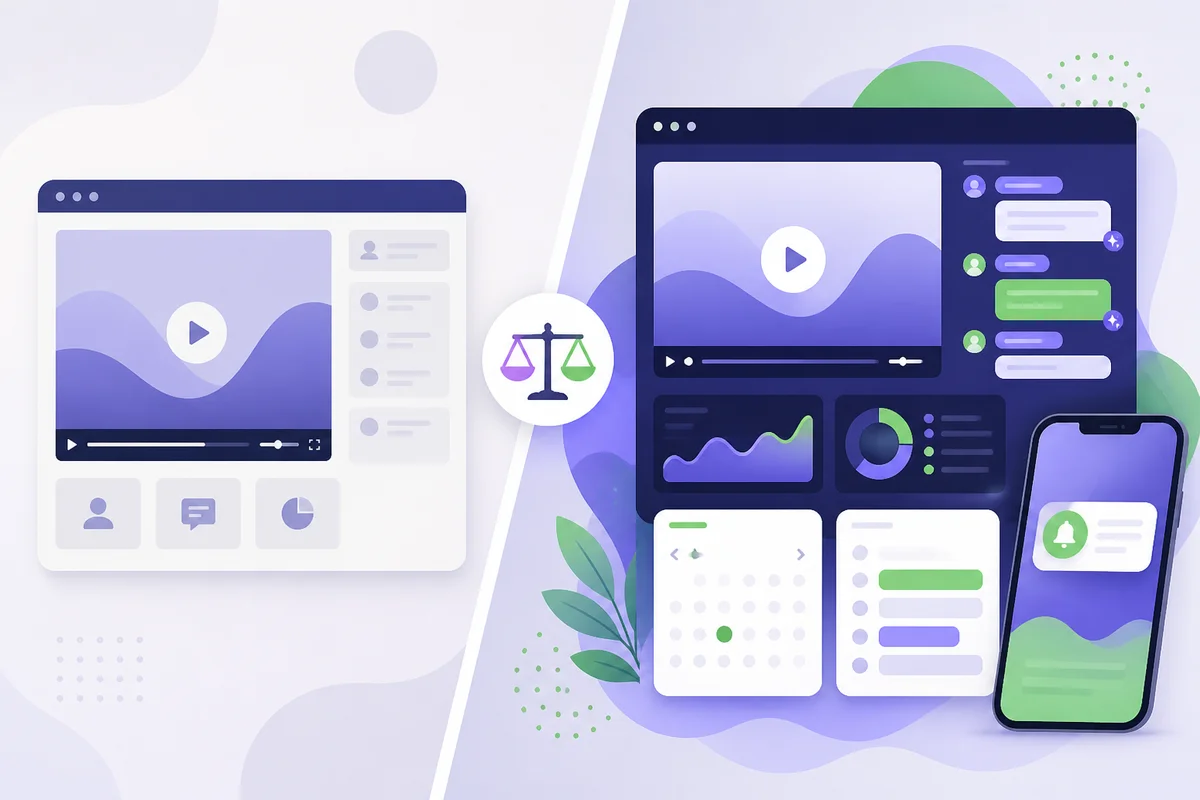
Free webinar software is enough if you run the occasional live session for a small audience, don't need recordings to keep working after the event, and are happy with the platform's branding and limits. You need paid webinar software when webinars become a repeatable sales or marketing channel: when you want sessions running on demand or on a schedule without you, registration pages and reminders that match your brand, analytics you can tie to pipeline, and help answering questions when you can't be there. In short, free tools are built for trying webinars; paid tools are built for relying on them.
This guide sets out what free plans usually give you, where they tend to run out, which paid features actually earn their cost, and a simple way to decide. It deliberately avoids quoting other vendors' prices, because they change often. Check each provider's own pricing page on the day you buy.
What does "free webinar software" usually mean?
"Free" covers a few quite different things, and it helps to know which one you are looking at:
- Free plans of video conferencing tools. Many teams already have a meeting tool they can use to run a basic webinar. It works for a small live audience, but it was designed for meetings, not for registration, reminders or replays. Our guide to webinar software explains the difference between webinar platforms and video conferencing.
- Free tiers of webinar platforms. Some webinar tools offer a permanent free plan with tight limits on attendees, session length, number of events or features, so you can try the product and upgrade later.
- Free trials of paid platforms. These give you the full (or nearly full) product for a fixed period. They are not a long-term free option, but they are the best way to test whether paid features make a difference to your results.
- Live streaming to social platforms. Broadcasting to a social network costs nothing, but you don't own the registrant list, so it is weak for lead generation.
Free plans differ a lot, so treat the limits below as things to check, not as a description of any single product.
Where free webinar software usually runs out
Free tiers exist to show you the product, so the limits tend to land exactly where webinars start to generate value. The common ones are:
- Audience caps. A low attendee limit is fine for a team training session but can cut off a promotion that goes well.
- Session length or event limits. Time limits and monthly event caps make it hard to run a full demo with Q&A, or to run sessions often enough to matter.
- Branding you can't remove. Registration pages, emails and the viewing room often carry the platform's branding, which can look odd in front of buyers.
- Live-only delivery. Free plans are usually built around live events. Automated, scheduled or on-demand replays of a recorded session, the format that lets one good presentation keep working, are typically a paid feature.
- Basic registration and reminders. Limited control over forms, confirmation emails and reminders makes it harder to get registrants to actually turn up.
- Thin analytics and integrations. Without attendance, drop-off and engagement data, and without a connection to your CRM, you can't tell which sessions create pipeline.
- No help with questions. On a free plan, if nobody is watching the chat, questions go unanswered, and unanswered questions are often the ones closest to a buying decision.
None of these matter if your webinars are occasional and informal. All of them matter once webinars are part of how you win customers.
What paid webinar software actually gets you
Paid plans add a lot of features, but only a handful change outcomes for a B2B team. These are the ones worth paying for:
Sessions that run without you
The biggest jump from free to paid is usually automation: a recorded session that plays on a schedule or on demand, with registration, reminders and replays handled for you. This is what turns a one-off event into an always-available channel. Our complete guide to evergreen webinars covers how this works and when it suits you, and the guide to creating an evergreen webinar from a live recording shows how to reuse a session you have already given.
Interaction that doesn't depend on you being online
Automated sessions used to feel like watching a video. Better paid tools add scheduled chat, polls and timed offers, and some now use AI to answer attendee questions from your own presentation and materials. That matters because a prospect who asks a question and gets an answer stays engaged. We cover what AI can and cannot realistically do in AI webinar software: what it can automate and what it cannot.
A way to step in when it counts
Automation is only half the story. The paid features that pay back fastest are the ones that tell you when a real person needs you: a question the AI can't answer, or a viewer showing buying intent. A notification that lets you join the session at that moment gives you the reach of automation with the judgement of a live presenter.
Analytics you can connect to revenue
Paid plans usually include attendance, drop-off and engagement analytics, plus integrations or webhooks so registrations and outcomes reach your CRM. That is what lets you work out whether webinars pay for themselves. Our guide to measuring webinar ROI walks through the formula and which costs to include.
Your brand, not theirs
Removing platform branding, using your own domain and controlling the emails attendees receive all make the experience feel like part of your product, not a third-party tool.
Free vs paid webinar software at a glance
| What you need | Free tools are usually enough | Paid tools are usually worth it |
|---|---|---|
| Frequency | Occasional one-off sessions | Weekly sessions, or a demo available every day |
| Audience | Small, internal or existing customers | Prospects you are trying to convert |
| Format | Live only | Automated, scheduled or on-demand |
| Questions | You are always there to answer | Questions arrive when you are busy or asleep |
| Branding | Platform branding is acceptable | Pages and emails need to look like you |
| Measurement | Rough attendance numbers | Pipeline and revenue attribution |
| Team | One presenter | Several people sharing sessions and follow-up |
How to decide what you actually need
Rather than starting from features, start from the job webinars do for you.
- Write down the goal. Training existing customers, generating leads and running product demos are different jobs. A free tool can be fine for the first and limiting for the other two.
- Count the hours. If you or your team present the same demo several times a week, the time cost of doing it live is usually far larger than any subscription. Work it out with your own numbers.
- Look at what happens to questions. If prospects ask questions when nobody is around, you need either a person on call or a tool that can answer and alert you.
- Check you own the data. Make sure registrant details and engagement data are yours to export and connect to your CRM, whichever option you choose.
- Run a proper trial. Use a free trial on a real session with real prospects, not a test with colleagues. Compare show-up, engagement and follow-up conversations with what you get today.
- Judge by return, not price. Once you know what a qualified conversation is worth to you, the decision becomes simple arithmetic.
If you want a fuller list of what to look for, our 42-point webinar platform buyer's checklist goes through it in detail, and the roundup of evergreen and automated webinar software compares tools on consistent criteria.
Hidden costs to watch on both sides
Free is rarely free, and paid isn't only the subscription. Before you decide, look at:
- Your time. Presenting the same session live again and again is the biggest cost most teams never count.
- Lost questions. A prospect who doesn't get an answer may not come back. This cost is invisible on a free plan but very real.
- Workarounds. Stitching a free meeting tool to a separate form builder, email tool and spreadsheet takes time to set up and maintain.
- Usage limits on paid plans. Check attendee caps, team seats, AI allowances and what happens if you go over. Good providers warn you before a limit bites rather than cutting a session off.
- Add-ons. Text message reminders, custom domains and integrations are sometimes extra. Read the plan details, not just the headline price.
Where Webinar Flow fits
Webinar Flow is paid webinar software built for B2B SaaS founders and sales teams who want their best pitch running all day without presenting it every time. Prospects book and watch an on-demand session; while they watch, AI answers their questions in real time, learning from your video, your documents and the answers you have given before. When it can't answer, or someone shows buying intent, you get a phone notification and can jump in through a full video takeover or the chat. So you are effectively present in every pitch, without having to be.
It isn't free, but every plan starts with a 14-day free trial of the full Growth experience with no card needed, so you can test it on real prospects before deciding. You can see what each plan includes on the pricing page. It was built for and proven in our own companies first; you can read how they use it in our case studies.
If you are weighing it against a specific tool, our comparison pages set out the differences honestly, for example Webinar Flow vs eWebinar, vs Demio and vs WebinarKit. And if you run launch funnels for courses rather than B2B demos, a tool built for that market may suit you better.
Frequently asked questions
Is free webinar software good enough for a small business?
It can be, if you run occasional live sessions for a small audience and don't need replays, custom branding or detailed analytics. Once webinars become a regular way to win customers, the limits on audience size, automation and measurement usually start to cost more than a paid plan would.
What is the main difference between free and paid webinar software?
Free tools are mostly built for live sessions with basic features and visible limits. Paid tools add the things that make webinars a dependable channel: automated or on-demand sessions, branded registration and reminders, analytics, integrations and, increasingly, AI that helps answer attendee questions.
Can I run an automated or evergreen webinar for free?
Usually not in a complete way. You can post a recording on a page, but scheduling, registration, reminders, interactive chat and follow-up for automated sessions are typically paid features. A free trial is the best way to test automation without committing.
Can I use a video conferencing tool instead of webinar software?
For small, informal sessions, yes. Meeting tools aren't designed for registration pages, reminders, replays or on-demand viewing, so they become awkward once you want webinars to generate leads or run without you.
How do I know if paid webinar software is worth it?
Compare its cost with the time you spend presenting live and the value of the extra conversations it creates. Run a free trial with real prospects, measure show-up, questions and follow-up meetings, and judge by return rather than price.
Does Webinar Flow have a free plan?
No. Webinar Flow offers a 14-day free trial of the full Growth experience with no card needed, then paid plans. Current plans and limits are on the pricing page.
The short version
Use free webinar software to try webinars and to run occasional, informal sessions. Move to paid software when webinars become a channel you rely on, especially if you want your pitch to keep working when you are not there. Whatever you choose, test it on real prospects and judge it by the conversations and revenue it creates, not by the price tag.
Drafted with AI assistance, then fact-checked and edited by Ian Naylor before publishing.