
How SaaS Companies Can Use Webinars to Generate Pipeline
By Ian Naylor ·
Drafted with AI assistance, then fact-checked and edited by Ian Naylor before publishing.
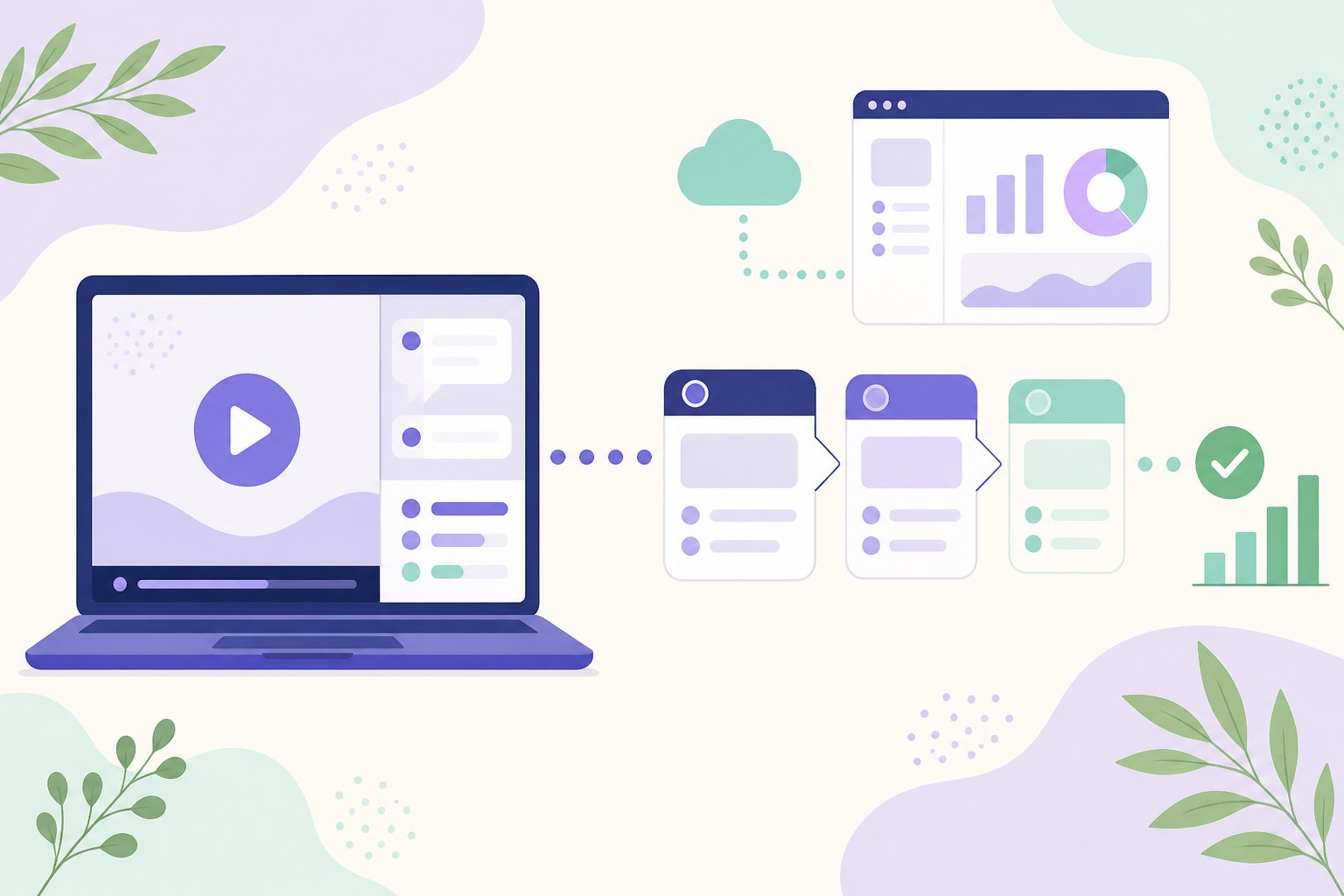
SaaS companies generate pipeline from webinars by treating each session as a sales step, not a content event: pick a topic your buyers are actively trying to solve, show the product solving it, build qualifying moments into the session, and follow up the same day based on what each attendee did. The webinars that create pipeline are usually the ones closest to a buying decision, such as product demos, use-case walkthroughs and "how to switch" sessions, and they work best when they run often enough that a prospect never has to wait weeks for the next one. Run that way, a webinar stops being a one-off spike of registrations and becomes a steady source of qualified conversations for your sales team.
Plenty of SaaS teams run webinars and still struggle to point to the revenue they produced. The usual reasons are familiar: a topic chosen for reach rather than buying intent, a session that never shows the product, no way of telling who is ready to talk, and a follow-up email that goes out days later to everyone at once. None of those are problems with webinars as a format. They are problems with how the webinar is connected, or not connected, to the sales process.
This guide covers which kinds of webinar create pipeline for SaaS, how to plan and run them, how to qualify attendees, how to hand them to sales and how to measure whether it is working.
Why webinars suit SaaS sales
Software is hard to judge from a web page. Buyers want to see the product doing the job they care about, hear how it handles their objections and ask the question that is specific to their situation. A webinar does all three at once, for many prospects, at a time they chose.
That makes webinars a good fit for the way SaaS is usually sold:
- Inbound-heavy demand. If a lot of your interest arrives through your website, content or free trial, a webinar gives those people a structured next step that is more engaging than a demo video and less demanding than a sales call.
- Repeatable demos. Most SaaS teams give a very similar first demo many times a week. That repeatable part can be delivered once to a room, or recorded and run on a schedule, rather than one call at a time.
- Complex products with a simple core. A session lets you show the main workflow clearly, then deal with the edge cases in questions.
- Free trials that need a nudge. Trial users who attend a session on getting value from the product tend to understand it better than those left to explore alone, and the questions they ask tell you where they are stuck.
- Buyers in many time zones. A recorded session that runs on a schedule reaches people your sales team would never be awake to call.
Webinars also generate something most channels do not: a record of what prospects actually ask. Every question typed into the chat is a clue about objections, missing content and the features that matter most to buyers.
Which webinars create pipeline, and which create awareness
Not every webinar is meant to create pipeline, and it helps to be honest about which is which. Broad thought-leadership sessions can build an audience, but the people who attend are often early in their research. Sessions built around your product and a specific problem attract people who are closer to buying.
| Webinar type | What it is | Where it sits | Pipeline potential |
|---|---|---|---|
| Product demo | Your core demo, shown to a group | Late consideration | High: attendees have chosen to see the product |
| Use-case walkthrough | How a specific role or industry solves one problem with your product | Consideration | High, especially when targeted at your best-fit segment |
| Switching or comparison session | How to move from a spreadsheet, legacy tool or competitor | Late consideration | High: attendees already have the problem and a budget line |
| Trial onboarding session | Getting value in the first week of a trial | Trial and activation | Medium to high: helps trials convert to paid |
| Educational or industry session | A useful topic related to your market, light on product | Awareness | Lower and slower: builds an audience and email list |
| Customer and expert panel | Discussion with customers, partners or specialists | Awareness to consideration | Variable: depends on how closely it maps to a buying problem |
A sensible SaaS webinar programme usually has a steady base of demo and use-case sessions that run all the time, with occasional live educational or panel sessions to bring new people in. For the wider strategy behind that mix, see our complete webinar marketing strategy for B2B businesses.
How to plan a SaaS webinar that generates pipeline
1. Start from a buying problem, not a topic
The best pipeline webinars are named after a problem a buyer is trying to solve this quarter, in the words they use. Look at your recent sales calls, trial sign-up answers and support questions. Which problems come up again and again just before people buy? Those are your topics.
Compare "The future of customer onboarding" with "How to cut onboarding time for new customers without adding headcount". The second tells a buyer exactly what they will get, and the people who register for it are telling you they have that problem.
2. Decide who it is for, and who it is not for
Be specific about the role, company size and situation you want in the room. A session aimed at "anyone interested in sales" fills up with people who will never buy. A session for "heads of sales at SaaS companies with an inbound demo backlog" attracts fewer people, but more of the right ones. Narrowing the audience usually improves pipeline even when it reduces registrations.
3. Show the product doing the job
A pipeline webinar should show the product solving the problem in the title, using realistic data. You do not need to show every feature. Show the one or two workflows that deliver the outcome, explain why they matter and answer the objections you hear on sales calls. Our 50 rules for a SaaS demo that converts goes into structure and pacing, and how to write a webinar script covers wording and timings.
4. Build in moments that qualify attendees
Every interaction in a webinar is a chance to learn who is a good fit and who is ready. Plan them deliberately:
- A registration form with one or two useful questions, such as role or the main problem they want solved. Keep it short; every extra field puts people off.
- Polls at natural points, such as "How do you handle this today?" or "When are you looking to make a change?".
- Questions in the chat, which often reveal both intent and objections.
- A clear offer, such as starting a trial or booking a call, shown at the moment it makes most sense rather than only at the end.
5. Make the next step obvious
Decide before the session what you want an interested attendee to do next, and make it easy. For most SaaS products this is one of three things: start a trial, book a call with sales, or join a follow-up session on a specific use case. One clear next step works better than several competing ones.
Live, evergreen or both?
SaaS teams often assume webinars must be live. Live sessions are great for launches, panels and topics that change quickly. But for the sessions that create pipeline, the demo and the use-case walkthrough, the content is much the same every time. That makes them good candidates for evergreen webinars: a recorded session that runs on a schedule, with booking, reminders, chat, polls and offers, and a person able to step in when it matters.
| Live webinar | Evergreen (automated) webinar | |
|---|---|---|
| Best for | Launches, panels, news, one-off events | Demos, use-case walkthroughs, onboarding |
| How often it runs | When you schedule and present it | Several times a day, or on demand |
| Team time per session | A presenter every time | Set up once, then step in for questions and hot leads |
| Consistency | Varies with the presenter and the day | Your best version, every time |
| Interaction | Fully live | Scheduled chat, polls and offers, plus live answers when needed |
The practical advantage for pipeline is availability. If a prospect visits your site on a Tuesday evening and the next live demo is in three weeks, much of that interest fades. If they can book a session later today, or watch a replay straight away, you catch them while the problem is front of mind. Our complete guide to evergreen webinars explains how this works, and evergreen vs live webinars covers the trade-offs in more detail. If you already have a good recording, see how to create an evergreen webinar from a live recording.
For the demo specifically, how to automate product demo webinars walks through the set-up step by step.
Getting the right people to register
Promotion for a pipeline webinar should go where your buyers already are, and especially where they already show interest:
- Your website. Put the session on high-intent pages: pricing, product and comparison pages, and the "book a demo" page itself. Offering a session alongside a sales call gives people who are not ready to talk a lower-commitment option.
- Your free trial. Invite new trial users to an onboarding or use-case session in the first few days.
- Your content. Link related sessions from blog posts and guides that cover the same problem.
- Email. Invite your list to sessions that match what they have read or signed up for, rather than sending every invitation to everyone.
- Sales. Give your sales team the link so they can offer a session to prospects who are early, or who want colleagues to see the product before a call.
- Partners and communities. Co-host with partners who serve the same buyers, or share sessions in communities where your audience asks for help.
Registration is only half of it. People who register and never attend are a lost opportunity, so send reminders, make it easy to add the session to a calendar and offer a replay. Our list of 60 ways to lift your webinar show-up rate has plenty of ideas.
Qualifying attendees during the session
Webinar attendees are not all equally interested, and treating them as if they are wastes your sales team's time. The signals below help you sort them. They are judgement calls rather than a formula, so adapt them to your own sales process.
| Signal | What it might mean | Suggested action |
|---|---|---|
| Registered for a demo or switching session | Has the problem and is looking at options | Treat as warm from the start |
| Watched most of the session | Engaged with the content | Prioritise for follow-up |
| Left early | Lost interest, or got what they needed | Check where they left; follow up lightly |
| Asked about pricing, set-up or integration | Thinking about buying | Reply in the session if you can; alert sales |
| Answered a poll with a near-term timeline | Ready to act soon | Hand to sales the same day |
| Clicked the offer or booked a call | Actively moving forward | Confirm quickly and personally |
| Registered but did not attend | Interested but busy | Send the replay and one useful next step |
The most valuable moment is the question asked during the session. A prospect who asks "Does this work with our CRM?" while watching is far more engaged than they will be a week later. Answering in the room, while they are still watching, keeps the momentum. That is why it pays to have alerts for new questions, and answers prepared for the common ones.
For more on capturing and scoring leads before, during and after a session, see how to generate leads with webinars.
Turning attendees into pipeline: the hand-off to sales
A webinar only creates pipeline when someone acts on what happened in it. Agree the hand-off rules with sales before you run the session:
- Define what counts as sales-ready. For example: asked a buying question, answered a poll with a near-term timeline, or clicked the offer. Write it down so marketing and sales agree.
- Pass context, not just a name. Sales should see what the person asked, how long they watched and how they answered polls. A call that opens with "You asked about migrating from spreadsheets" lands far better than a generic check-in.
- Set a response time. Follow up with hot attendees the same day, ideally within hours. Interest fades fast.
- Give everyone else a next step. Not every attendee is ready. Send the replay, a related guide or an invitation to a deeper session, and let them come back when they are ready.
- Close the loop. Ask sales to record which webinar leads became opportunities, so you can see which sessions and topics actually produce pipeline.
Webinars also fit neatly into async selling, where prospects move forward without needing a live call at every step. Our async selling playbook covers how SDRs use sessions, recordings and follow-ups to keep deals moving, and 67 follow-up tactics after a demo or webinar has detailed follow-up ideas.
Building the webinar into your funnel
A single session can produce a burst of leads. A system produces them every week. The simplest SaaS webinar funnel looks like this:
- Traffic arrives from your site, content, trial, sales team or partners.
- A booking page explains the problem the session solves and offers times that suit the visitor.
- Reminders by email (and text, if your audience prefers it) bring people back.
- The session shows the product, asks qualifying questions and answers live questions.
- The offer asks interested attendees to start a trial or book a call.
- Follow-up goes out the same day, based on what each attendee did.
- Sales picks up the hot leads with full context.
Our guide to building a webinar funnel covers each stage, with a template and an email sequence.
How to measure webinar pipeline
Registrations and attendance are useful health checks, but they are not the goal. Track the numbers that connect the webinar to revenue:
- Registration rate from each traffic source, so you know where your best attendees come from.
- Show-up rate, to check your reminders and session times.
- Watch time and drop-off points, to see where the content loses people.
- Questions asked and polls answered, as engagement and intent signals.
- Offer clicks, trial starts and calls booked from each session.
- Opportunities created from webinar attendees, and their value.
- Revenue won from those opportunities, over a time frame that matches your sales cycle.
- Time to first follow-up for hot leads.
Compare these by session and topic. Over time, you will see which problems and formats bring in the buyers who close, and you can put more of your effort there. Benchmarks from other companies can be a rough guide, but your own trend over time is a more reliable measure than someone else's average. If you want published figures for context, our webinar statistics roundup lists them with sources.
Common mistakes SaaS teams make with webinars
- Choosing topics for reach rather than intent. Big registration numbers from people who will never buy look good in a report but do not fill the pipeline.
- Never showing the product. If attendees leave without seeing how the product solves their problem, the session has done half its job.
- Running sessions too rarely. A monthly live demo means most interested visitors wait weeks or never attend.
- Ignoring questions. Unanswered questions in the chat are lost opportunities, and a poor first impression.
- One follow-up email for everyone. Someone who asked about pricing and someone who left after five minutes need different messages.
- No agreement with sales. Without clear hand-off rules, webinar leads sit in a list and go cold.
- Measuring registrations, not revenue. If you cannot connect sessions to opportunities, you cannot tell which ones are worth running.
A quick checklist
- The session is named after a buying problem, in your buyers' words.
- The target audience is specific.
- The product is shown solving the problem with realistic data.
- Registration asks one or two useful qualifying questions.
- Polls and the offer are timed to natural moments.
- Questions are answered while attendees are still watching.
- Sessions run often enough that no one waits long, with a replay available.
- Sales-ready signals and response times are agreed with sales.
- Follow-up is tailored to what each attendee did.
- Opportunities and revenue are tracked by session and topic.
Where Webinar Flow fits
Webinar Flow is an automated webinar platform built for SaaS sales teams. It turns your best demo or walkthrough into a session that runs every day, with booking pages, email reminders, timed offers, polls and scheduled chat, attendance and drop-off analytics, and live Q&A with phone notifications so you can step in when a prospect asks something important. On the Growth plan, AI answers attendee questions from your own presentation, and you can jump in live on video when a conversation matters.
Plans start at $49 a month, and every plan begins with 14 days of the full Growth experience, free, with no card needed. See pricing, compare Webinar Flow with other platforms, read how other teams use it, or book a session of our own demo to see how it handles your questions.
Frequently asked questions
Do webinars work for SaaS lead generation?
Yes, when they are connected to the sales process. Webinars let prospects see the product solve a real problem and ask questions, which suits software well. They generate pipeline when the topic matches a buying problem, the session shows the product, attendees are qualified during the session and follow-up happens quickly.
What type of webinar generates the most pipeline for SaaS?
Sessions closest to a buying decision usually do: product demos, use-case walkthroughs for a specific role or industry, and sessions on switching from another tool or a manual process. Broad educational sessions are better at building an audience than at creating near-term pipeline.
How often should a SaaS company run webinars?
Often enough that an interested prospect does not have to wait. For demo and use-case sessions, that usually means several times a week or more, which is where evergreen webinars help. Live educational sessions can run less often, for example monthly or around launches.
Should SaaS webinars be live or automated?
Both have a place. Live sessions suit launches, panels and fast-moving topics. Automated, or evergreen, sessions suit content that stays the same, such as your core demo, because they can run many times a day with your best version every time. Many teams run automated demo sessions all the time and add live events occasionally.
What should webinar software for SaaS include?
Look for booking pages and reminders, a room with chat, polls and timed offers, a way to answer questions quickly (including alerts so a person can step in), analytics on attendance and watch time, and integrations or webhooks to pass lead data to your CRM. Our webinar software guide covers the essentials in more depth.
How do you know if a webinar attendee is ready for sales?
Look for buying signals: questions about pricing, set-up or integrations, a poll answer with a near-term timeline, a click on the offer, or a call booked. Watch time also helps. Agree with your sales team which signals count, and follow up with those attendees the same day.
How do you measure the ROI of a SaaS webinar?
Track the opportunities and revenue that come from webinar attendees, alongside the cost of producing and promoting the session. Registrations and attendance are useful checks along the way, but the measure that matters is pipeline created and deals won, over a period that matches your sales cycle.
The bottom line
Webinars generate pipeline for SaaS when they are built as part of the sale: a buying problem in the title, the product solving it on screen, qualifying moments throughout, questions answered while prospects are watching, and a same-day hand-off to sales with full context. Run your demo and use-case sessions often enough that nobody waits, and measure them by the opportunities they create. If you want to see how that works in practice, try Webinar Flow free for 14 days.